Cudy Router Wireless Cudy WR3000, AX3000, Dual-Band, Wi-Fi 6, 574 MB/s, 2402 MB/s, Dual-Core 1.3GHz, Cudy Mesh

239,58 RON
Disponibil pe: dwyn.ro
Brand: Cudy
Ultima actualizare: 2026-10-21 08:00:30
Cumpără acum<table style=width: 857px; height: 2293px;> <tbody> <tr style=height: 196px;> <td style=width: 857px; height: 196px; colspan=3> <ul> <li>Super rapid AX3000 Wi-Fi 6</li> <li>CPU Cortex-A53 dual-core de 1,3 GHz</li> <li>4 porturi Ethernet 10/100/1000Mbps</li> <li>Latimea canalului de 160 MHz</li> <li>DL/UL OFDMA si DL/UL MU-MIMO</li> <li>Server si client Wireguard/OpenVPN/L2TP/PPTP VPN</li> <li>Cudy Mesh</li> <li>IPv4/IPv6</li> <li>TR069/TR098/TR181/TR111</li> </ul> </td> </tr> <tr style=height: 341px;> <td style=width: 857px; height: 341px; colspan=3> <figure class=image image-style-align-center style=width: 800px;><img class=lazy style=width: 800px; src=https://nwzimg.wezhan.cn/contents/sitefiles2019/10096568/images/44360739.jpg alt= width= height= align= data-src=https://nwzimg.wezhan.cn/contents/sitefiles2019/10096568/images/44360739.jpg data-loaded=1 /></figure> </td> </tr> <tr style=height: 55px;> <td style=width: 857px; height: 55px; colspan=3> <h4 style=text-align: center;><strong>Acoperire crescuta, latenta mai mica</strong></h4> </td> </tr> <tr style=height: 133px;> <td style=width: 418px; height: 133px;> <p style=text-align: center;><strong>Directia detectata, semnal confirmat</strong></p> <p style=text-align: center;>Beamforming detecteaza directia dispozitivelor conectate si modeleaza un semnal focalizat catre acestea pentru a imbunatati acoperirea.</p> </td> <td style=width: 4px; height: 133px;> <p style=text-align: center;><strong> </strong></p> </td> <td style=width: 435px; height: 133px;> <p style=text-align: center;><strong>Combo-uri mai usoare in jocuri</strong></p> <p style=text-align: center;>Standardul Wi-Fi 6 imbunatatit include MU-MIMO si OFDMA, care ofera o capacitate de retea de pana la 8X (2,4GHz) si 16X (5GHz) pentru a raspunde mai rapid chiar si la cerinte mai mari.</p> </td> </tr> <tr style=height: 18px;> <td style=width: 418px; height: 18px;> </td> <td style=width: 4px; height: 18px;> </td> <td style=width: 435px; height: 18px;> </td> </tr> <tr style=height: 341px;> <td style=width: 857px; height: 341px; colspan=3> <figure class=image image-style-align-center style=width: 800px;><img class=lazy style=width: 800px; src=/data/downloaded_images/20260203093256/0bfe0cad1a99c8fd659a3921758238cc.jpeg alt= width= height= align= data-src=/data/downloaded_images/20260203093256/0bfe0cad1a99c8fd659a3921758238cc.jpeg data-loaded=1 /></figure> </td> </tr> <tr style=height: 18px;> <td style=width: 418px; height: 18px;> </td> <td style=width: 4px; height: 18px;> </td> <td style=width: 435px; height: 18px;> </td> </tr> <tr style=height: 133px;> <td style=width: 418px; height: 133px;> </td> <td style=width: 4px; height: 133px;> </td> <td style=width: 435px; height: 133px;> <p><strong>Router Wi-Fi</strong></p> <p>Daca accesul la Internet de la DSL sau modemul prin cablu este disponibil pentru un utilizator, dar mai multi utilizatori trebuie sa partajeze Internetul, va rugam sa utilizati modul Router.</p> </td> </tr> <tr style=height: 18px;> <td style=width: 418px; height: 18px;> </td> <td style=width: 4px; height: 18px;> </td> <td style=width: 435px; height: 18px;> </td> </tr> <tr style=height: 114px;> <td style=width: 418px; height: 114px;> </td> <td style=width: 4px; height: 114px;> </td> <td style=width: 435px; height: 114px;> <p><strong>Extensor Wi-Fi</strong></p> <p>Modul Wi-Fi Extender (repetitor) extinde acoperirea Wi-Fi la zona greu de acoperit. *Se asteapta la versiunea de firmware 1.15.5+.</p> </td> </tr> <tr style=height: 18px;> <td style=width: 418px; height: 18px;> </td> <td style=width: 4px; height: 18px;> </td> <td style=width: 435px; height: 18px;> </td> </tr> <tr style=height: 114px;> <td style=width: 418px; height: 114px;> </td> <td style=width: 4px; height: 114px;> </td> <td style=width: 435px; height: 114px;> <p><strong>AP fara fir</strong></p> <p>Modul AP wireless este mai folosit pentru a transfera conexiunea prin cablu la wireless. Este de obicei in spatele unui router si nu are DHCP.</p> </td> </tr> <tr style=height: 18px;> <td style=width: 418px; height: 18px;> </td> <td style=width: 4px; height: 18px;> </td> <td style=width: 435px; height: 18px;> </td> </tr> <tr style=height: 114px;> <td style=width: 418px; height: 114px;> </td> <td style=width: 4px; height: 114px;> </td> <td style=width: 435px; height: 114px;> <p><strong>WISP</strong></p> <p>WISP extinde Wi-Fi, dar creeaza o subretea pentru dispozitivele conectate, facandu-l mai sigur decat modul extender.</p> </td> </tr> <tr style=height: 18px;> <td style=width: 418px; height: 18px;> </td> <td style=width: 4px; height: 18px;> </td> <td style=width: 435px; height: 18px;> </td> </tr> <tr style=height: 18px;> <td style=width: 418px; height: 18px;> </td> <td style=width: 4px; height: 18px;> </td> <td style=width: 435px; height: 18px;> </td> </tr> <tr style=height: 277px;> <td style=width: 418px; height: 277px;> <p><strong>Server si client VPN</strong></p> <p>Protocoalele VPN populare permit lucrul de acasa si accesul securizat de la distanta cu sprijinul lui.</p> </td> <td style=width: 4px; height: 277px;> <p><strong> </strong></p> </td> <td style=width: 435px; height: 277px;> <figure class=image image-style-align-center style=width: 350px;><img class=lazy style=width: 350px; src=https://nwzimg.wezhan.cn/contents/sitefiles2019/10096568/images/44891485.jpg alt= width= height= align= data-src=https://nwzimg.wezhan.cn/contents/sitefiles2019/10096568/images/44891485.jpg data-loaded=1 /></figure> </td> </tr> <tr style=height: 18px;> <td style=width: 418px; height: 18px;> </td> <td style=width: 4px; height: 18px;> </td> <td style=width: 435px; height: 18px;> </td> </tr> <tr style=height: 96px;> <td style=width: 418px; height: 96px;> <p><strong>Criptare DNS</strong></p> <p>Protejati-va istoricul de navigare impotriva scurgerilor cu DNS prin TLS de la Cloudflare, Google si Quad9.</p> </td> <td style=width: 4px; height: 96px;> <p><strong> </strong></p> </td> <td style=width: 435px; height: 96px;> </td> </tr> <tr style=height: 18px;> <td style=width: 418px; height: 18px;> </td> <td style=width: 4px; height: 18px;> </td> <td style=width: 435px; height: 18px;> </td> </tr> <tr style=height: 96px;> <td style=width: 418px; height: 96px;> <p><strong>Cudy Mesh este gata</strong></p> <p>Accepta Cudy Mesh pentru a permite roaming fara intreruperi in intreaga casa cu alte dispozitive Cudy Mesh.</p> </td> <td style=width: 4px; height: 96px;> <p><strong> </strong></p> </td> <td style=width: 435px; height: 96px;> </td> </tr> </tbody> </table>
Acest produs nu este vândut de qb.ro. Prețul și stocul nu sunt actualizate în timp real. Detalii cu caracter informativ. Pentru cele mai noi informații despre acest produs vizitați site-ul vânzătorului.Produse Similare



Cum să alegi hamacul potrivit
Hamacul poate fi un companion de relaxare perfect într-o zi de vară. Indiferent dacă dorești să te relaxezi în propria ta curte sau să te odihneș...
Citește mai mult
Cun să alegi cea mai bună bicicletă pentru copii
Bicicleta este un element esențial în dezvoltarea copilului. Nu numai că stimulează abilitățile motorii și percepția spațială, dar contribuie la o star...
Citește mai mult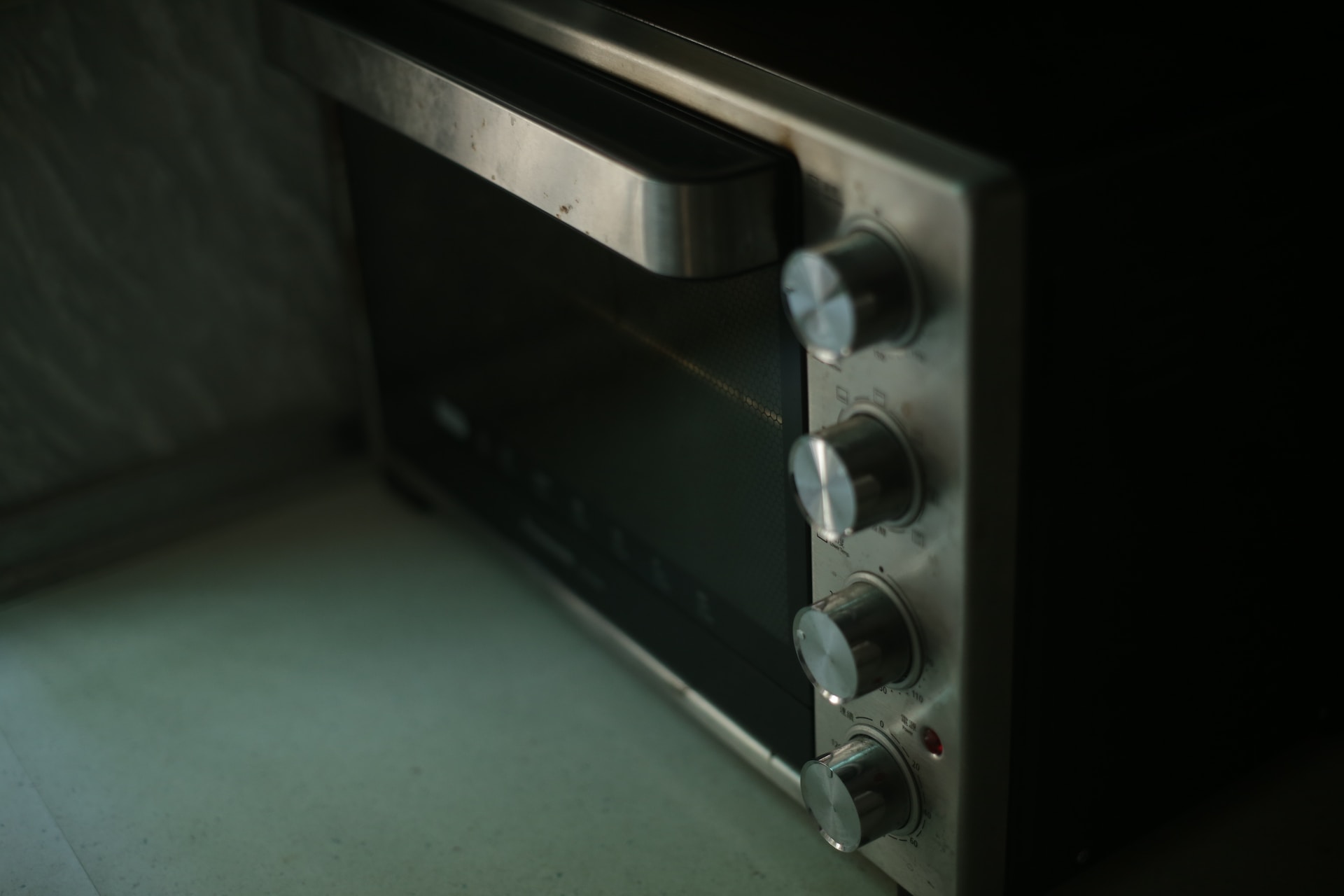
Cum să alegi cel mai bun cuptor cu microunde
Cuptorul cu microunde este un electrocasnic esențial într-o bucătărie modernă. Acesta economisește timp și energie și permite gătirea sau încălzi...
Citește mai mult